

Friday Challenge Answers: Year over Year Chart Comparisons
Thanks for the submissions for the Friday Challenge.
You can get the sample data and chart request here: friday-challenge-help-new-to-excel-yoy-comparisons
Here are some other submissions:
A) In the...

Budget Analyst Question: My Answer
Last week I posted this:
Budget Analysts might be asked by their executive team, managers or co-workers.
Question Title: Bar Graph Below the Line
I need a...
Removing Gaps in an Excel Clustered Column or Bar Chart (Part 2)
Removing Gaps - Excel Clustered Column or Bar Chart (Part 2)
In an earlier Friday Challenge, I posted a problem where someone wanted to remove...
How-to Make an Excel Single Image Goal Chart
Recently, a healthcare company employee contacted me about a chart he wanted to create. The company that he works for is trying to save...

Case Study – Creating a Dynamic Chart in Excel Using Offset Formula
A YouTube video subscriber Mili, wanted to know more about creating a Dynamic Excel Column Chart using Offset function. So Mili sent me the...
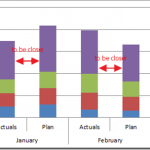
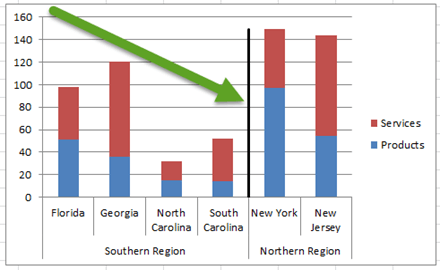
Friday Challenge – Close the Distance Between a Clustered Stacked column Chart
For this week’s challenge, we are going to modify a previous post for a user request.
If you are not familiar with it, you should...
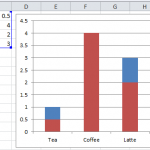
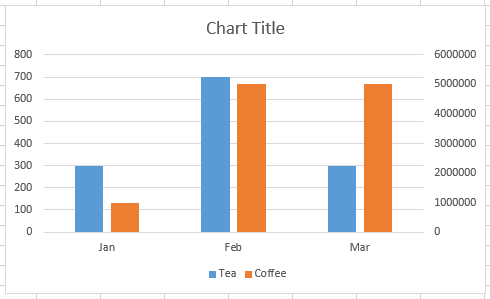
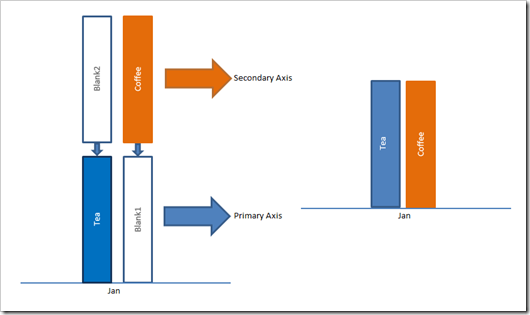
Why is Excel Overlapping Columns When I Move them to the Secondary Axis?
Why is Excel Overlapping Columns in this chart? Why EXCEL, WHY are you doing this??? I don’t understand. Have you ever asked yourself this...
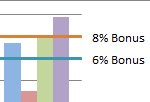
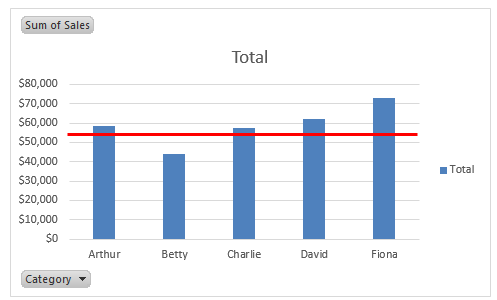
How-to Create Sales Quota Threshold Horizontal Lines in an Excel Column Chart
Sales executives are always pushing their sales teams. They typically do this by setting sales quota’s for their salespeople. Quotas are thresholds or minimum...
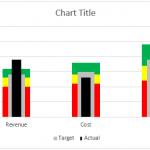
How-to Make an Excel Chart with 3 Different Column Widths (Bullet Chart Option 2)
In are recent post, I showed you how to create a Bullet Chart in Excel. Pete, then sent me another way to create a...
How-to Show Decades and Highlight a Year in the Horizontal Axis
Recently in an Excel Forum, a user had data similar to this format:
Here is what he wanted to do:
How do I set the Horizontal...