

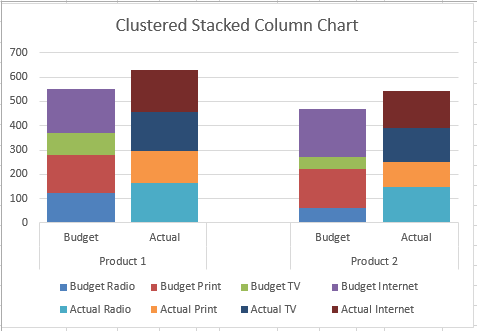
How-to Create a Stacked Clustered Column Chart with 2 Axes
In response to another post of mine, EC wrote:
“My issue: This site has been really helpful so far! I have a follow up question....
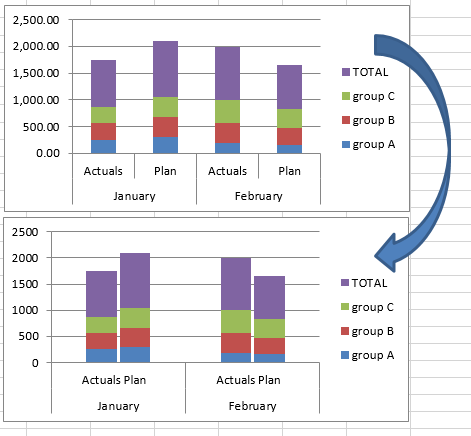
Friday Challenge – Close the Distance Between a Clustered Stacked column Chart
For this week’s challenge, we are going to modify a previous post for a user request.
If you are not familiar with it, you should...
How-to Add Lines in an Excel Clustered Stacked Column Chart
I have posted several Excel chart samples related to Clustered Stacked Column Charts.
In case you missed them, you can check them out here: Excel...

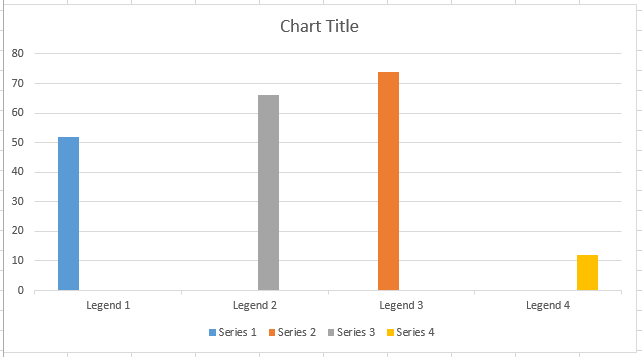
How-to Graph Three Sets of Data Criteria in an Excel Clustered Column Chart
Here is a very simple solution to a common Excel Charting question when a user wants to graph “Three sets of data criteria on...
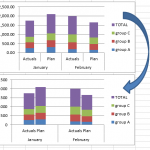
How-to Close the Gaps Between Chart Series in an Excel Stacked Clustered Column Chart
Many users like to create a chart that Excel doesn’t have as a chart type. It is a combination of a clustered column and...
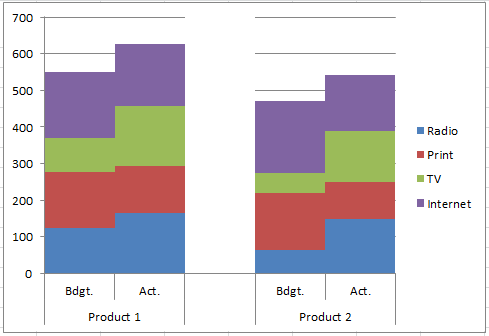
How-to Center Excel Clustered Chart Columns Over Horizontal Category Labels
When you have several series
in one chart and only one of those series appear per Horizontal Label Category, you probably want to center the...
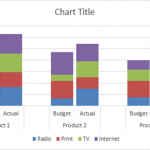
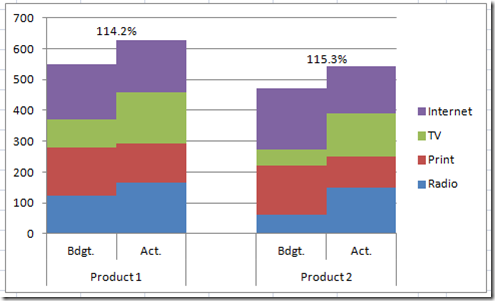
How-to Make an Excel Clustered Stacked Column Chart Type
How-to Make an Excel Clustered Stacked Column Chart Type
Have you been able to find the Excel Clustered Stacked Column Chart Type?
Well it is...
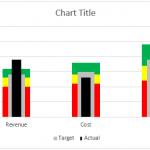
How-to Make an Excel Chart with 3 Different Column Widths (Bullet Chart Option 2)
In are recent post, I showed you how to create a Bullet Chart in Excel. Pete, then sent me another way to create a...
How-to Create a Stacked and Unstacked Column Chart in Excel
Stacked and Unstacked Column Chart in Excel
Excel is awesome because, even when a certain chart type is not a standard option, there may be...