

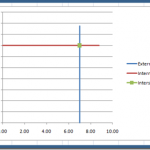
How-to Draw a Vertical and Horizontal Line that Intersect in an Excel Chart
Recently a user in the Mr. Excel Forum a member wanted to know how they could make an Excel Chart where one Metric was...
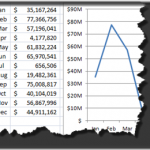
How-to Format Chart Axis for Thousands or Millions
Here is a great way to make your Dashboard Charts in Excel more appealing and your boss will love you and your friends will...

Using the Camera Tool to Create a Vertical Line Chart in Excel
Last week a user in the Mr. Excel Forum wanted to know how to make a vertical line chart where the horizontal categories are...
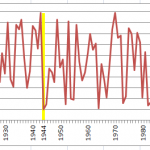
How-to Show Decades and Highlight a Year in the Horizontal Axis
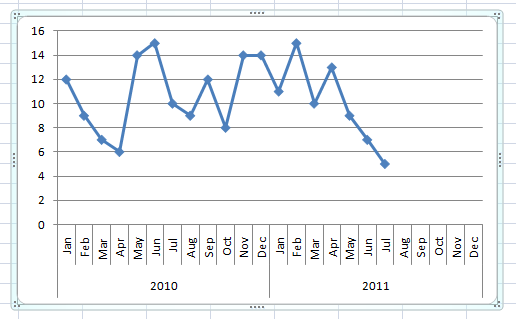
Recently in an Excel Forum, a user had data similar to this format:
Here is what he wanted to do:
How do I set the Horizontal...
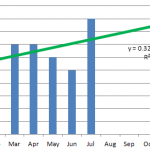
How-to Format Trend Line Color in Excel Dynamically
Many users use Trend Lines in Excel charts and graphs. They may also be used in Company Dashboards, but to you can make your...

Case Study – Creating a Dynamic Chart in Excel Using Offset Formula
A YouTube video subscriber Mili, wanted to know more about creating a Dynamic Excel Column Chart using Offset function. So Mili sent me the...
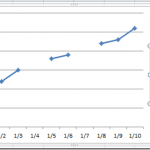
How-to Show Gaps in a Line Chart When Using the Excel NA() Function
In last Friday’s challenge, we had a Excel Analyst that needed to remove outliers from his Excel Line Chart. In essence, he wanted to...
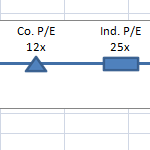
Company and Industry P/E (Price to Earnings) Line Chart – 2 Ways
Here is a fun and easy Dynamic Excel Chart that you can use in your Excel Dashboard Template.
This Excel Chart has many financial research,...
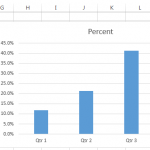
Change Chart from Amount to Percent using a Drop Down List
In case you were wondering, here is my solution to last Friday’s Excel Challenge.
Our challenge was to see if we could solve this question...